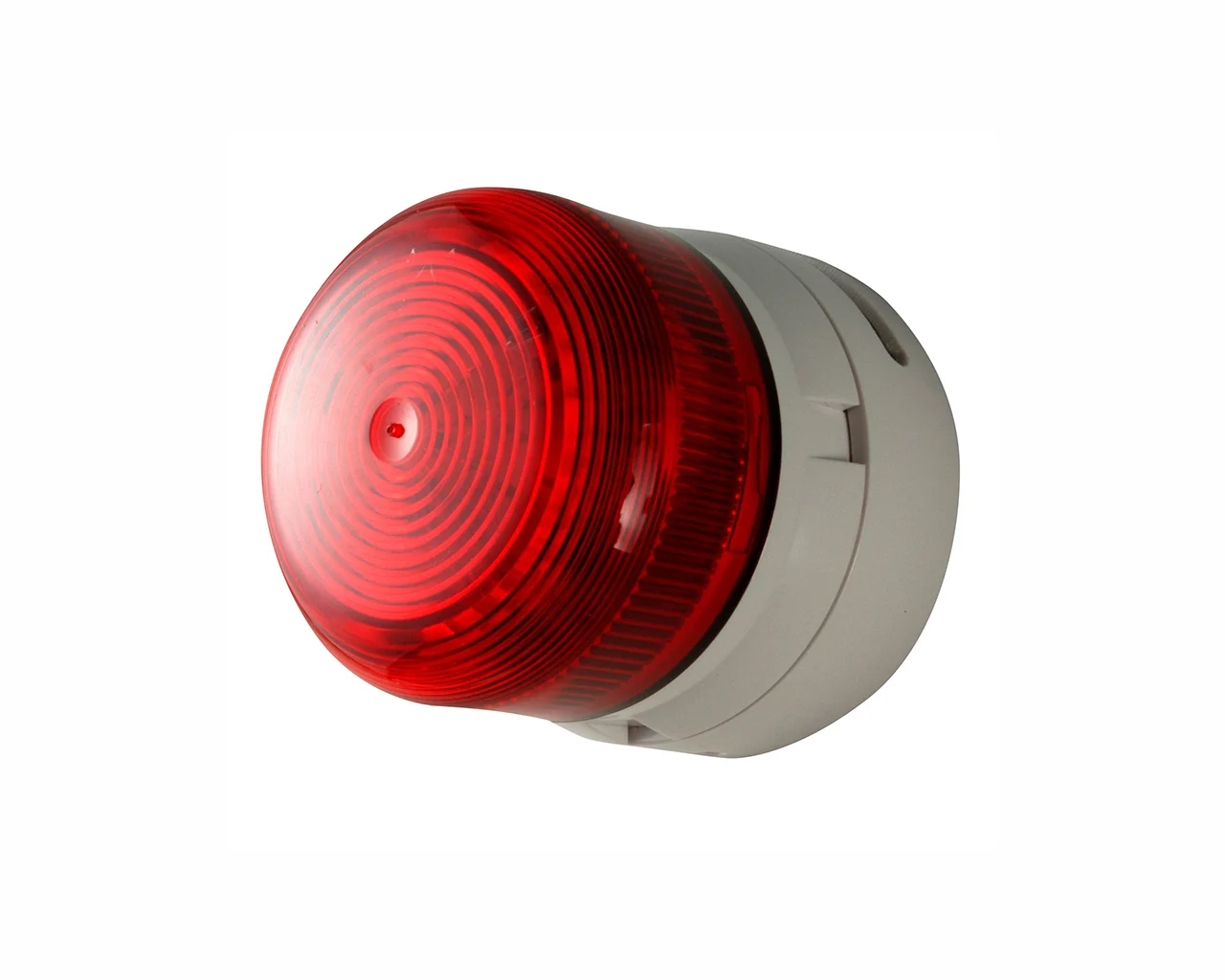
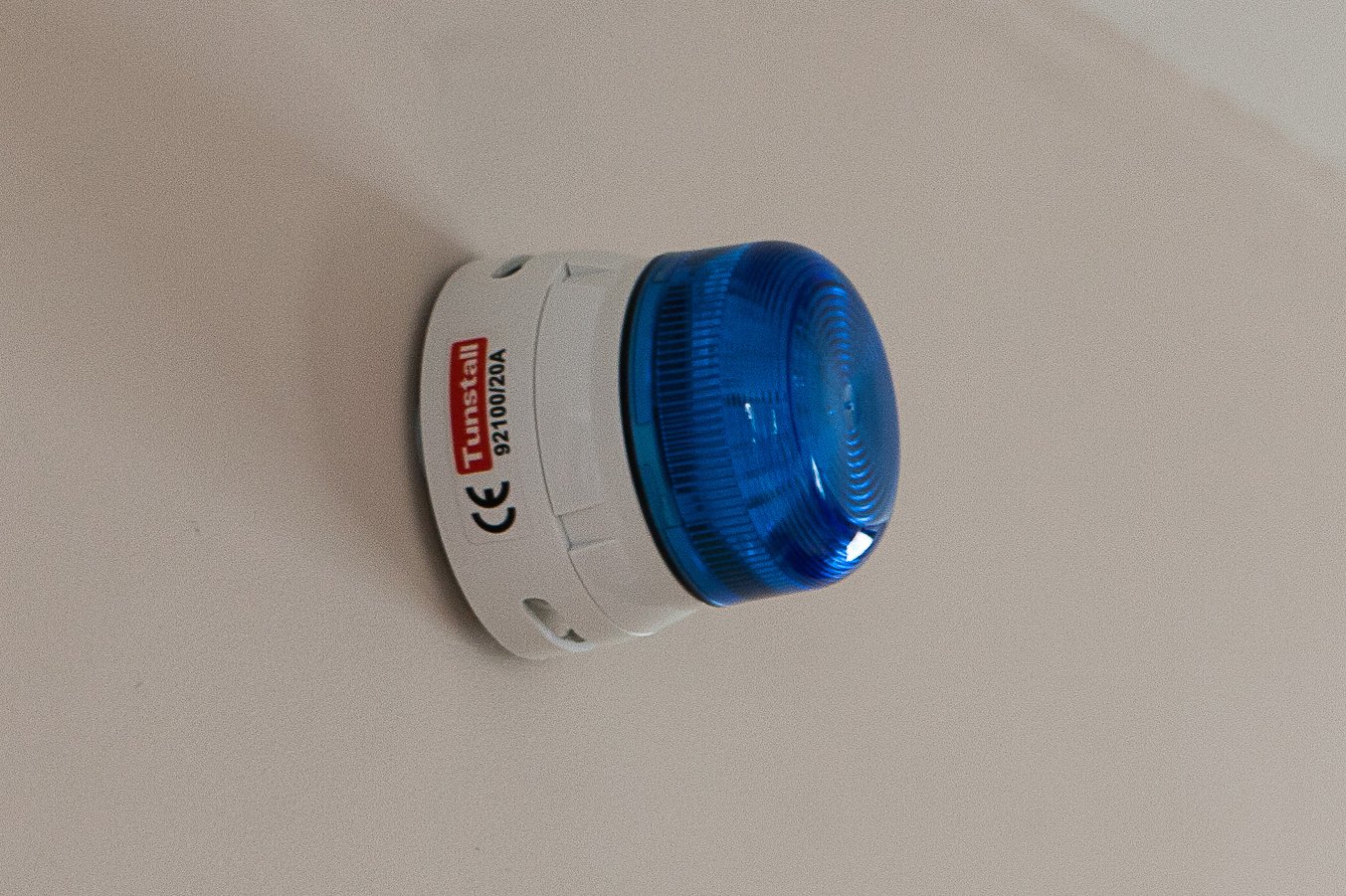
The Sounder Beacon combines visual indication together with a loud siren in order to alert people with hearing or visual impairments to a certain type of alarm activation (eg smoke detector) or to an incoming telephone call. The Sounder Beacon can be connected to the Lifeline Vi+ or other Tunstall telecare enabled systems.
The Sounder Beacon is for anyone who requires additional notification of alerts generated by telecare sensors.
Two colours to differentiate between alarm types.
How
How does it work?
Visual and audible alarms can provide important feedback for users with hearing or visual impairments. These can indicate circumstances such as a caller at the communal door when used in connection with a scheme, or the activation of telecare sensors eg smoke detectors.
When activated, the Sounder Beacon will flash and generate a sound to alert the user of the present situation.
Gives people with visual and hearing impairments an enhanced alert.
Features
Features
Local, visual and audible reassurance
Choice of two colours – to allow users to differentiate between types of call
Sounder can be disabled – for specific installations tailored to individual needs
Compatible with Lifeline Vi+ or other Tunstall telecare enabled systems.
Details
Everything you need to know
Dimensions, battery life, connectivity, and compliance standards are all documented below. Download the full datasheet for technical reference.
If you’re seeking a personal alarm or direct care support for yourself or a loved one, visit our consumer site.
Your questions, answered
Find answers to common questions about this device and how it works within your care environment.
Does it work with existing systems?
Yes. The device is hardware-agnostic and integrates seamlessly with your current care infrastructure. It connects to the Tunstall ecosystem without requiring a complete system overhaul.
What data does it collect?
The device monitors key health and activity indicators relevant to your care setting. All data is encrypted and stored securely, with access controlled by your organisation’s permissions.
Need more help?
Reach out to our team and we’ll walk you through it